Nextcloud
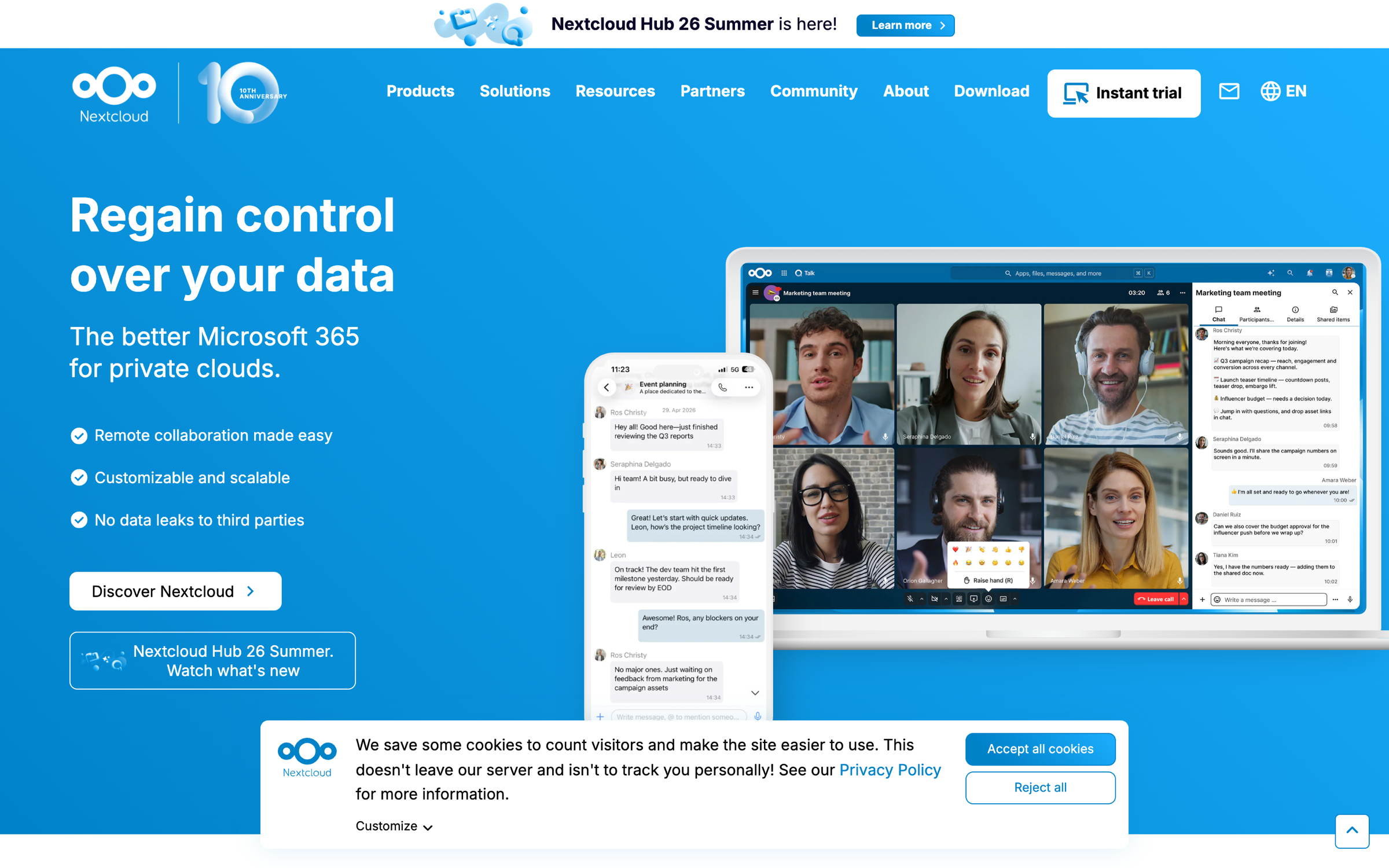
Lets teams edit documents together, chat, make video calls, access email and plan meetings in calendars.
Pricing TBC
Productivity apps
Browse handpicked apps by category. See what each one does and what it costs, then choose the one that fits how you work.
Lets teams edit documents together, chat, make video calls, access email and plan meetings in calendars.

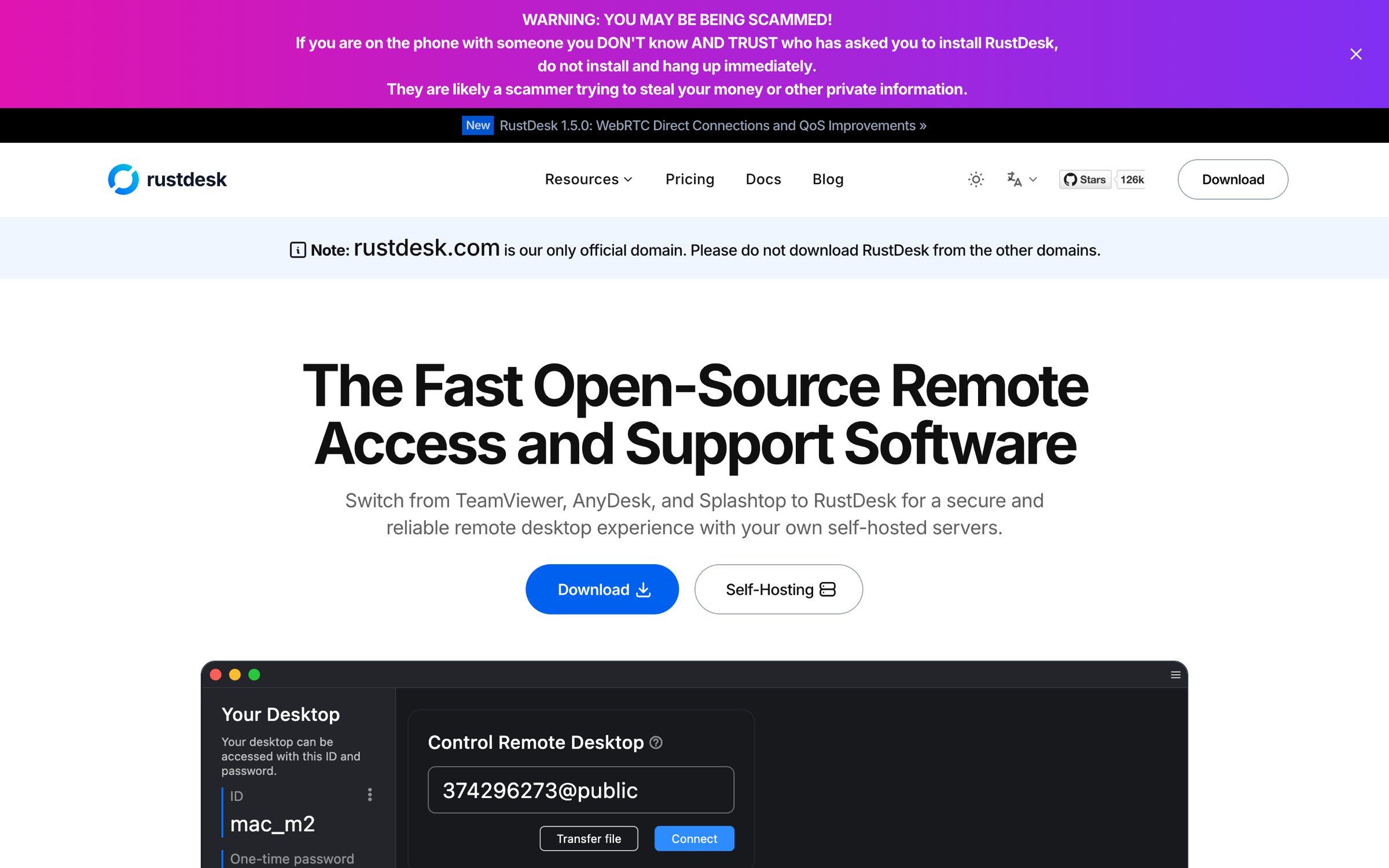
Enables remote desktop access and support through cross-platform clients and servers running on your infrastructure.

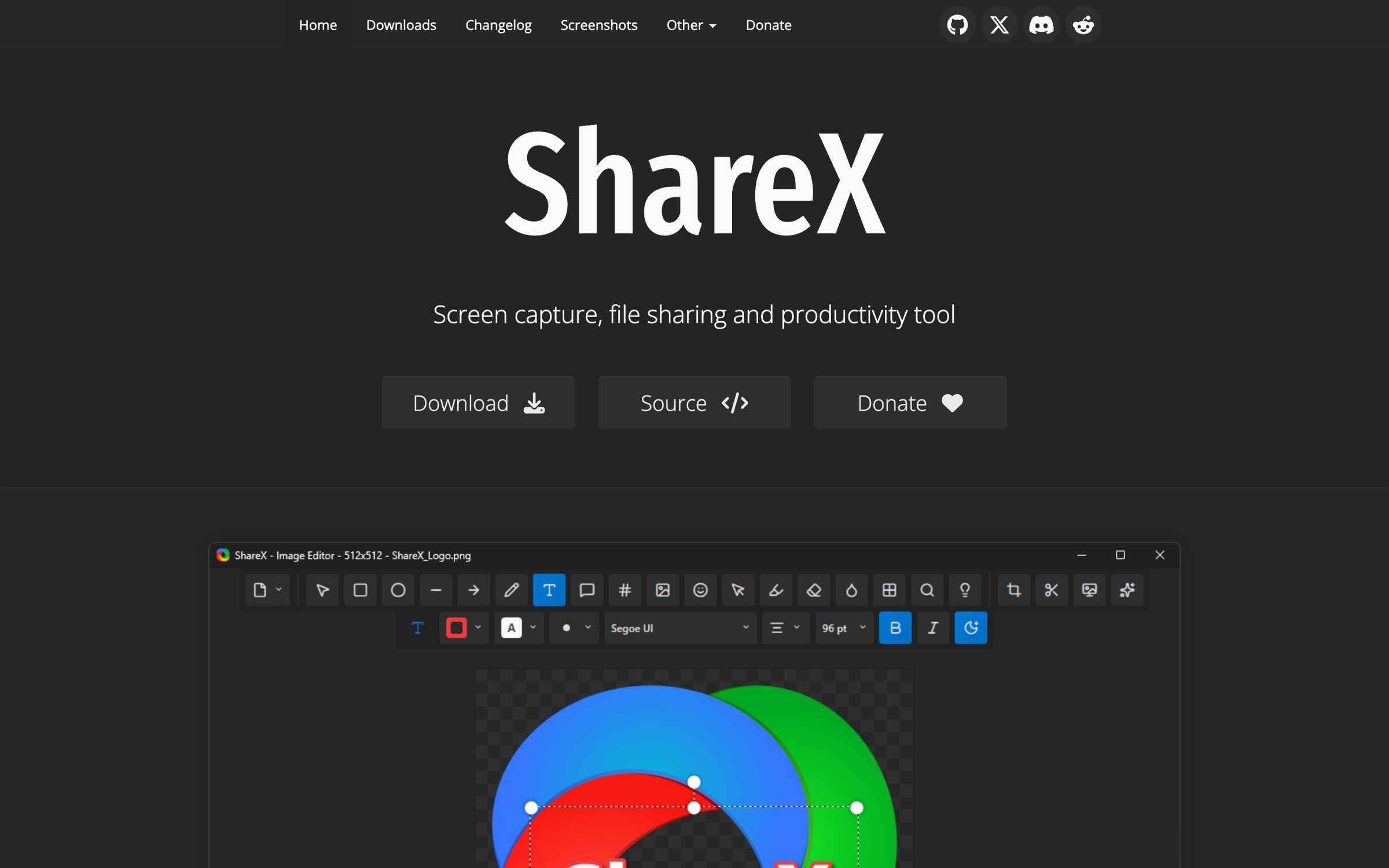
Captures and records screens, edits screenshots, shares files and provides image, video and text utilities on Windows.

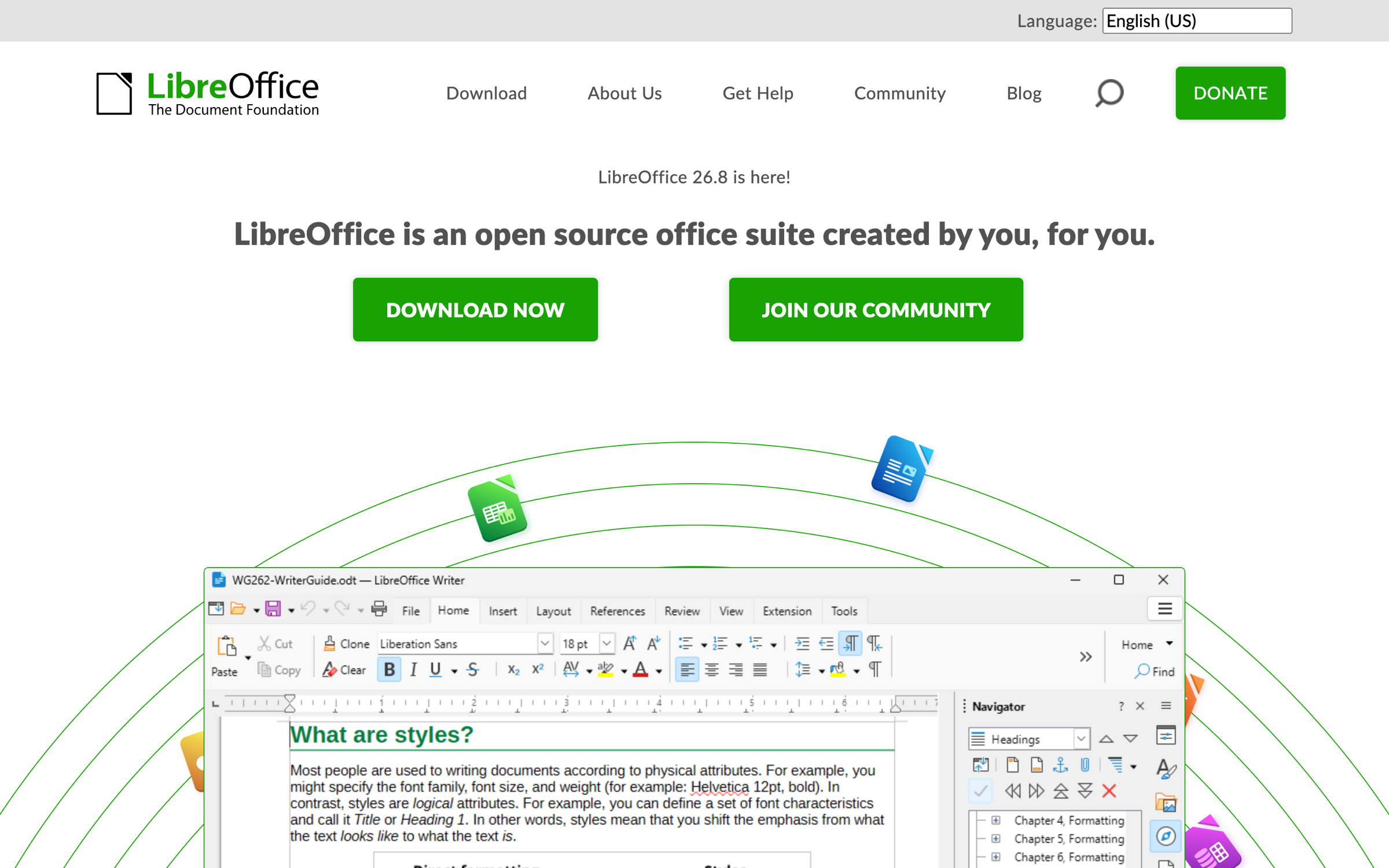
Creates and edits documents, spreadsheets, presentations, diagrams, databases, and mathematical formulas.

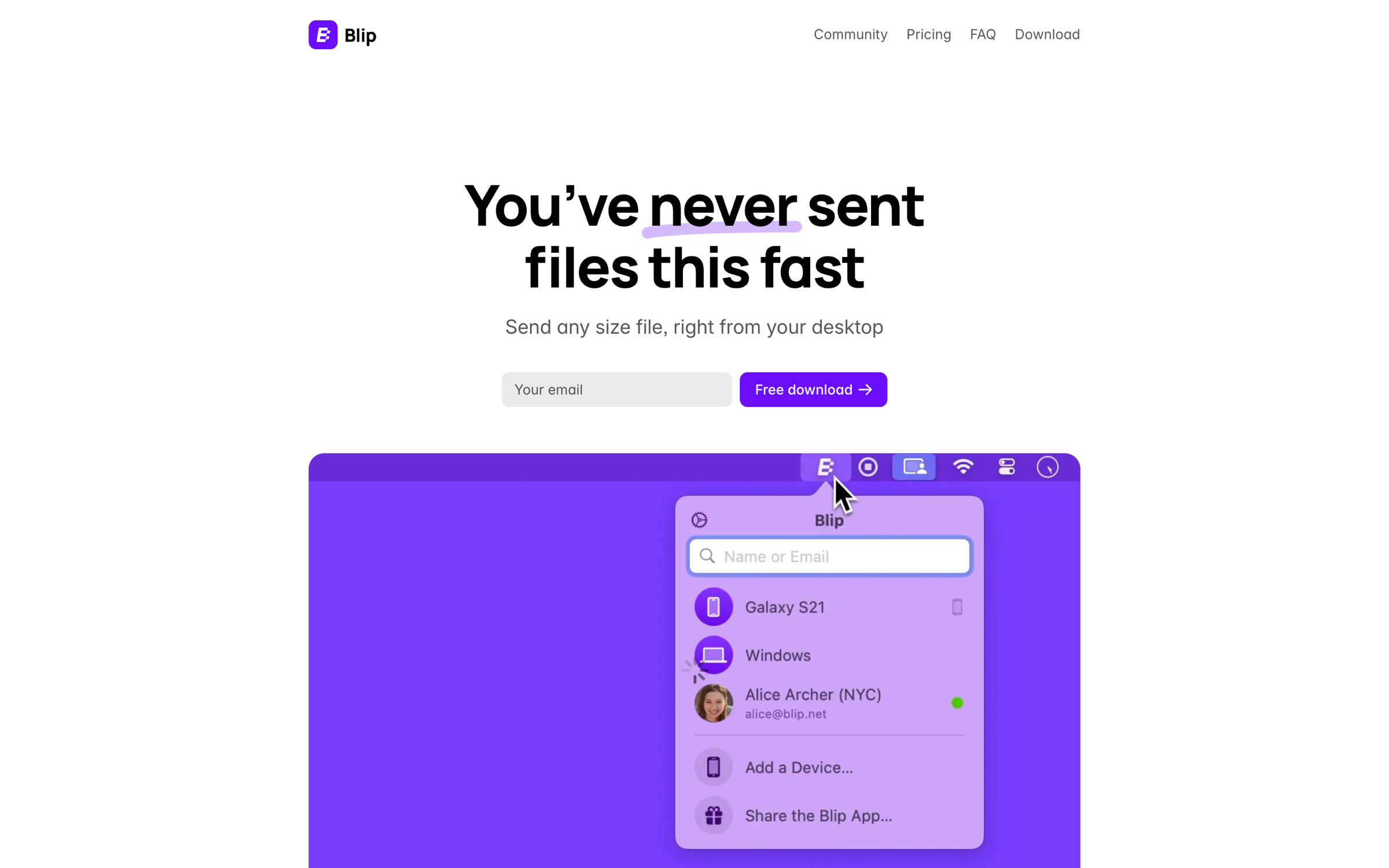
Transfers files, photos, and videos between your own devices and other people using apps for desktop and mobile.

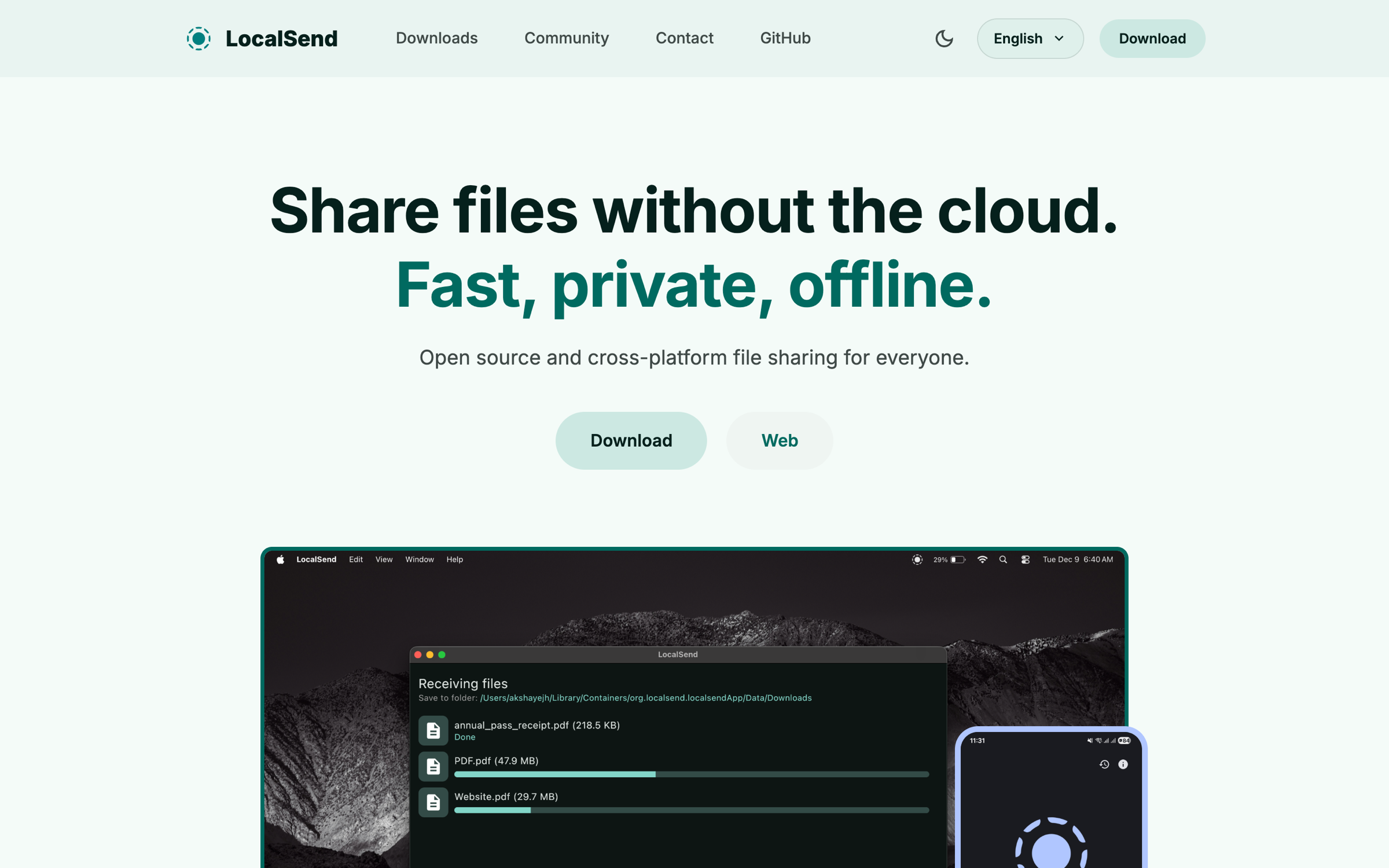
Transfers files and text between nearby phones and computers over a local network without internet access.

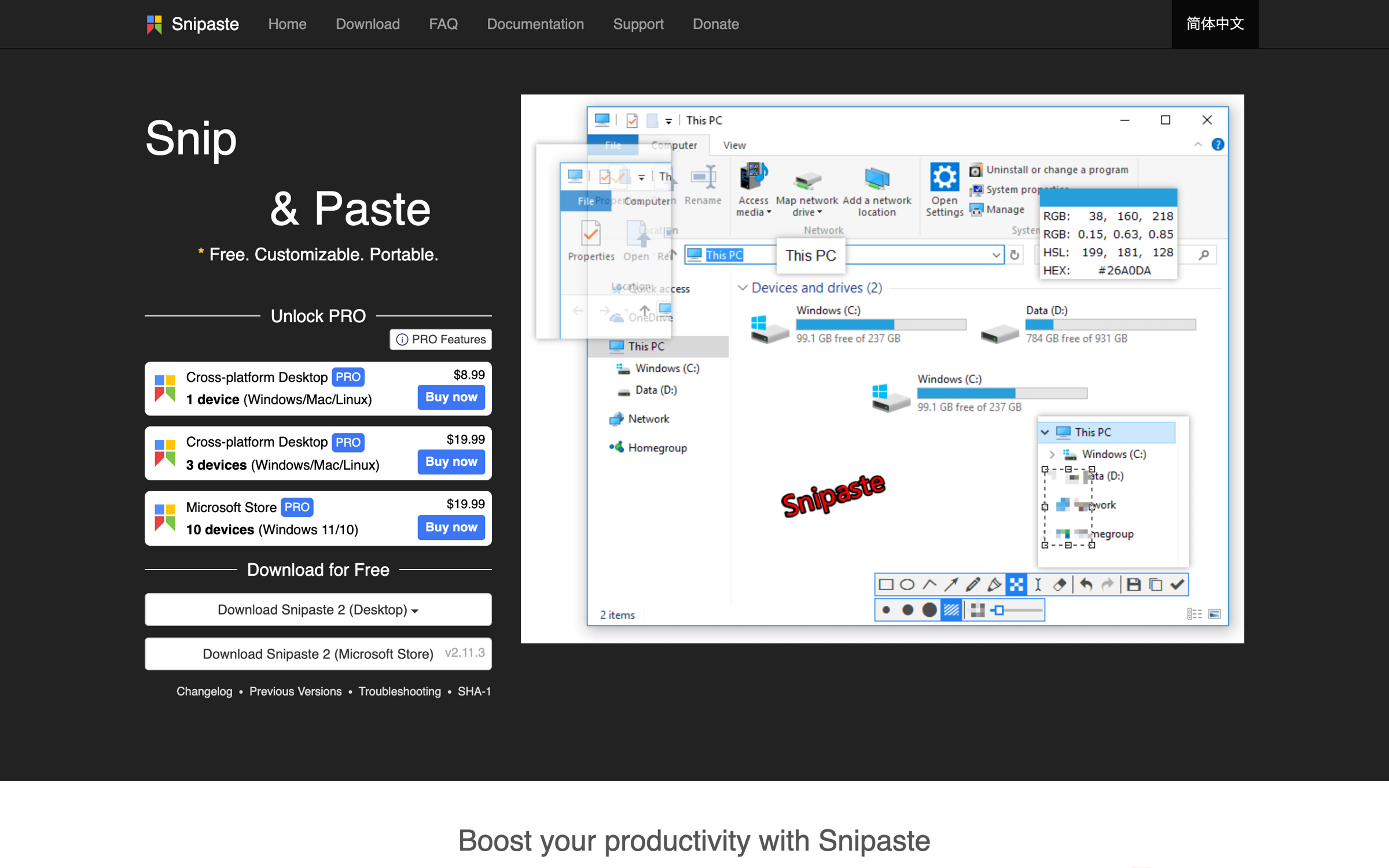
Capture precise screenshots, annotate them, and pin images, text, or color information as floating windows for easier desktop work.

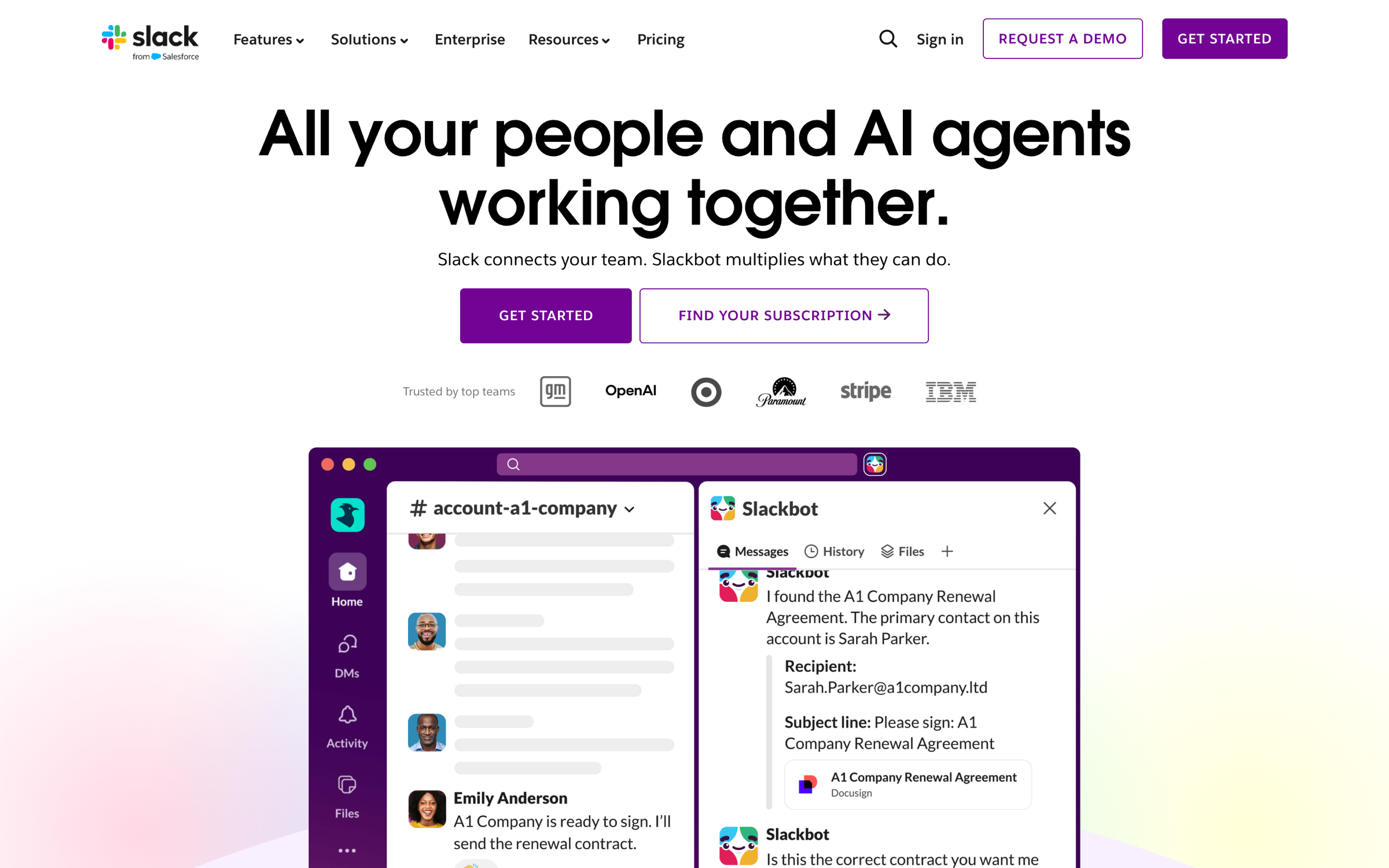
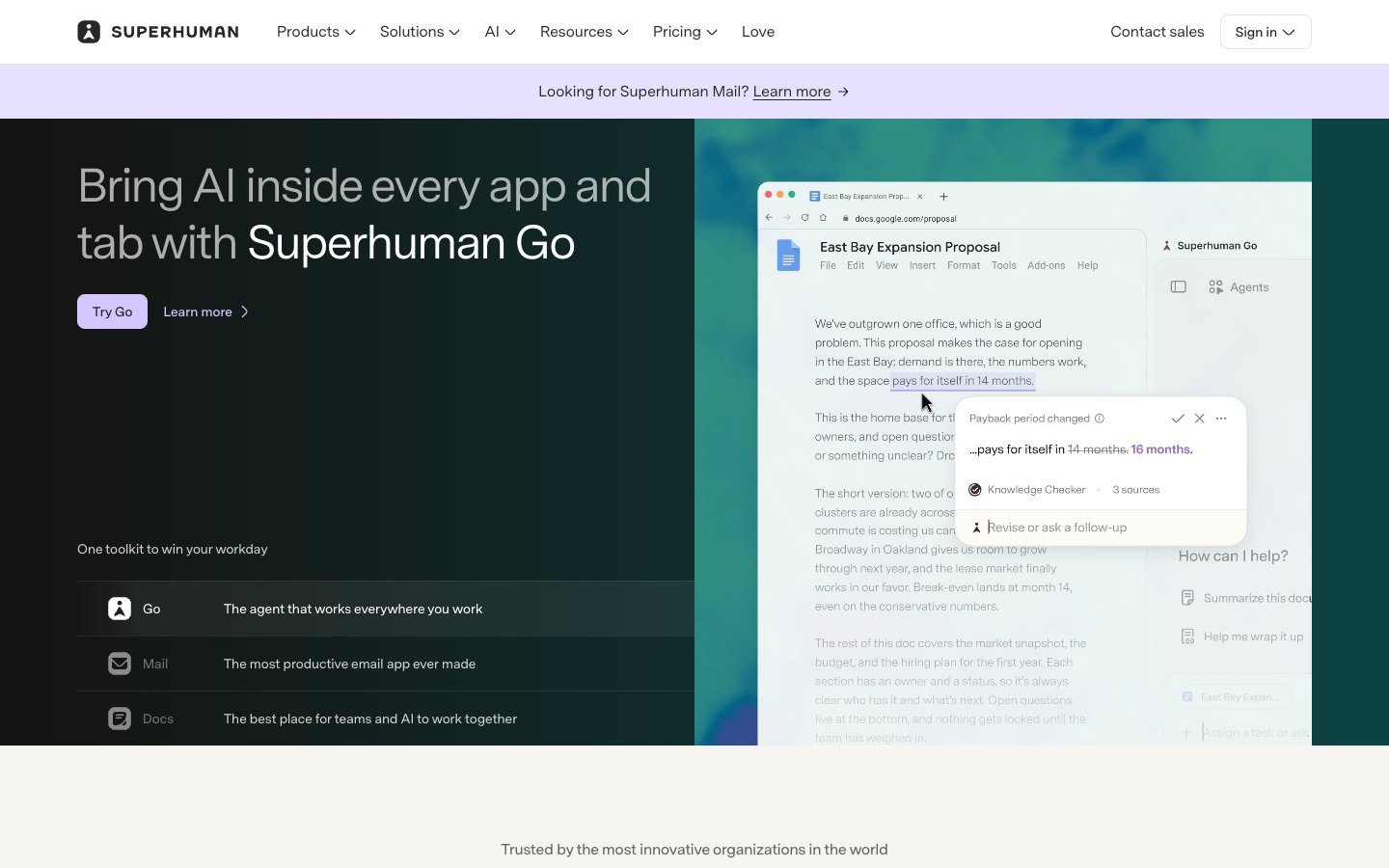
Connects teams, conversations, business apps and AI agents to manage work and access shared company knowledge.
Capture meetings and turn conversations into tasks, email drafts, and follow-ups with an AI assistant.

A productivity toolkit combining AI agents, an email client, and collaborative documents to streamline workflows, communication, and team projects.

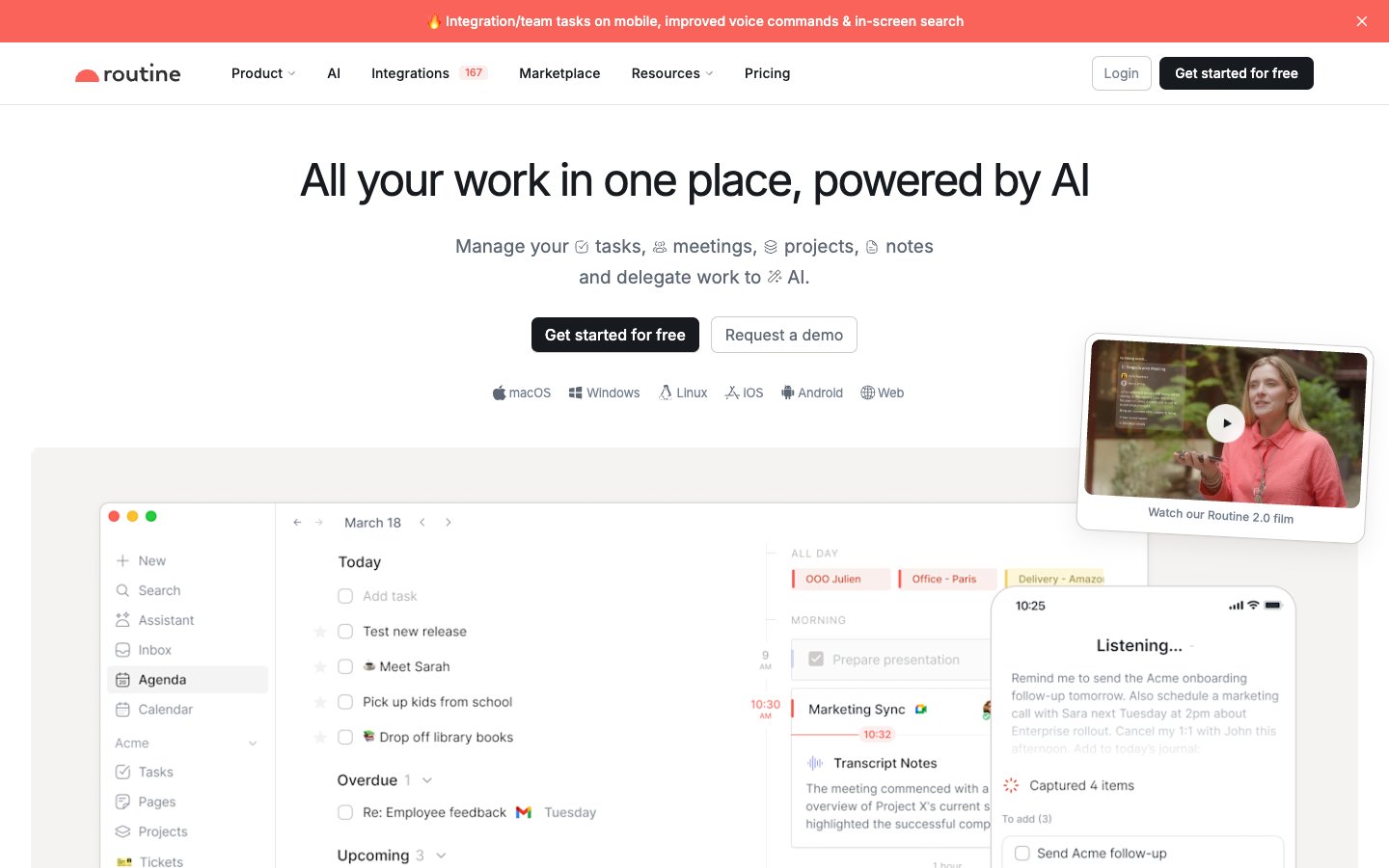
Lets users manage tasks, calendars, projects, notes and reminders, and combine personal and professional calendars.

An application that blocks distracting apps, websites, and the internet across multiple devices to help users maintain focus and productivity.
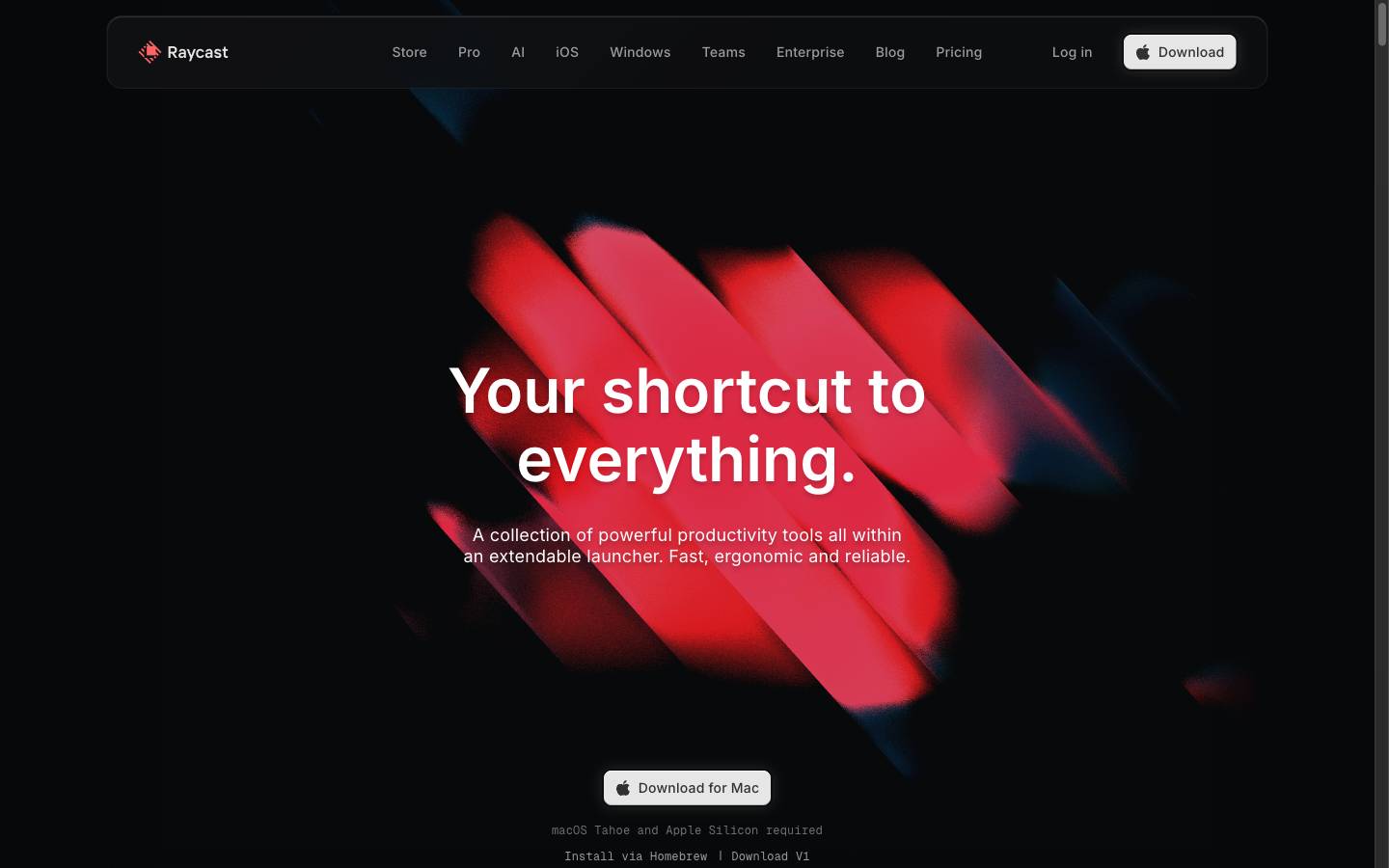
Combines an extensible app launcher with AI, file search, window management, notes, and other productivity tools.
All apps loaded